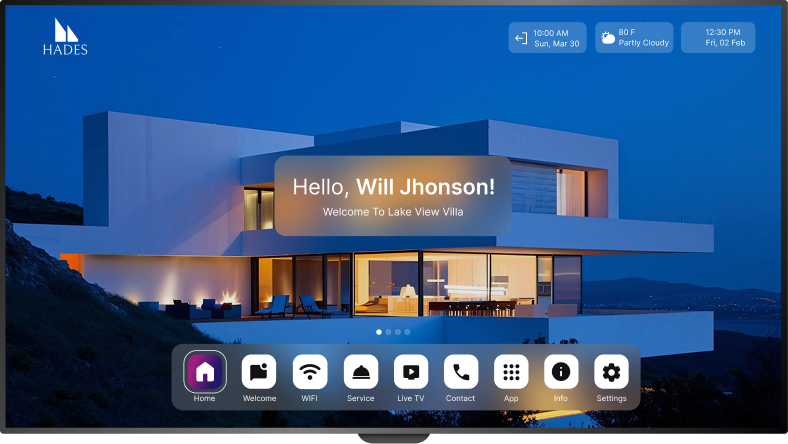
Aruvo on Apple TV
Premium hospitality experience, Apple simplicity
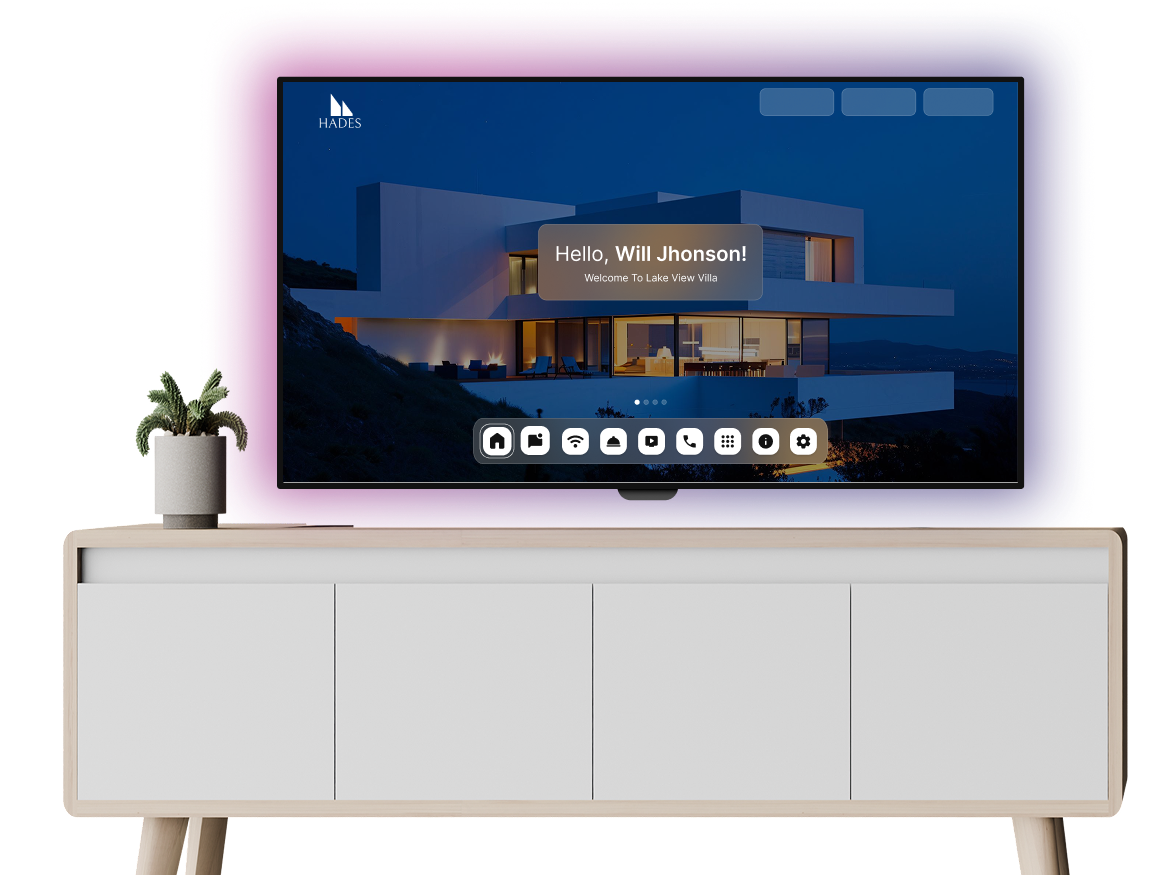
Get Started on Apple TV
Follow these simple steps to bring AruvoTV to life on your device.
1- Open your Apple TV device
Ensure it's connected to the internet and signed in with your Apple ID.
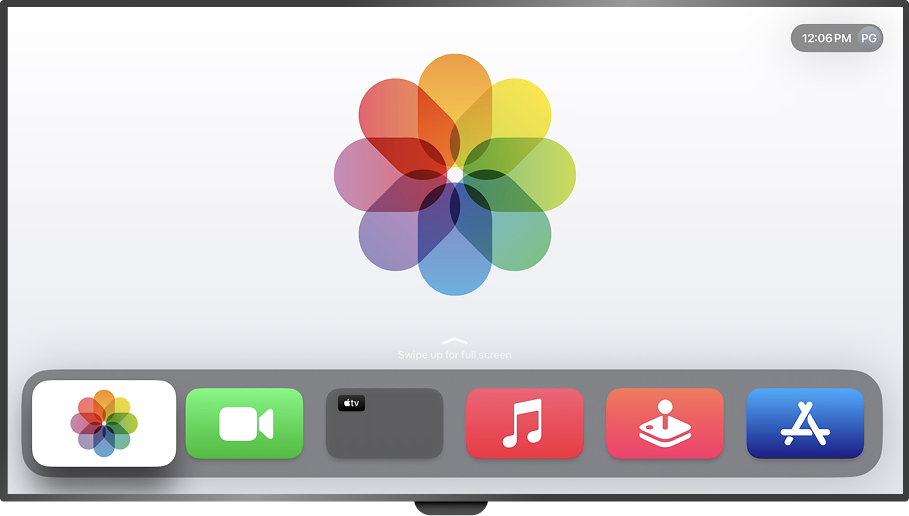
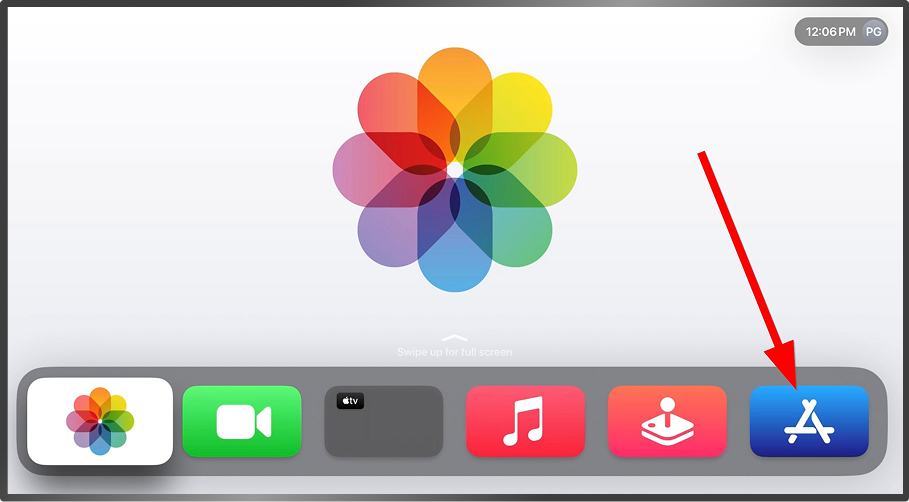
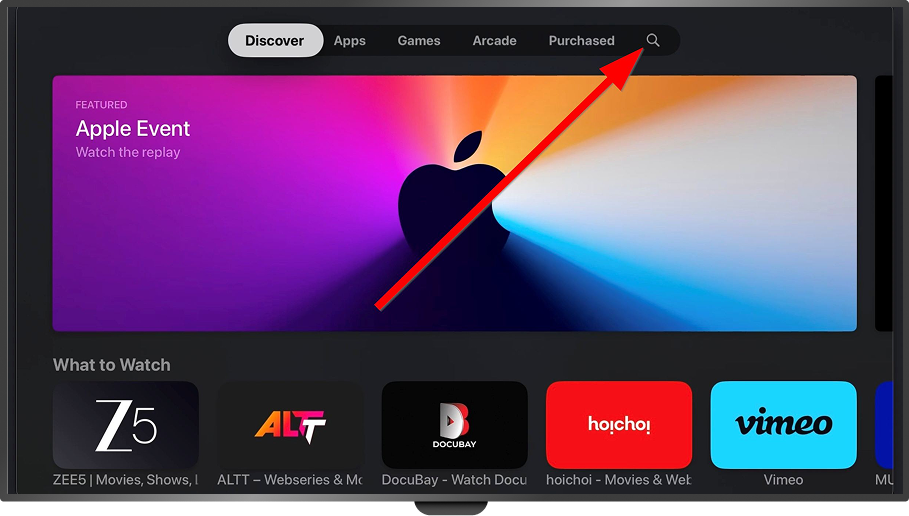
2- Open App Store
On the home screen, go to the App Store using the remote.
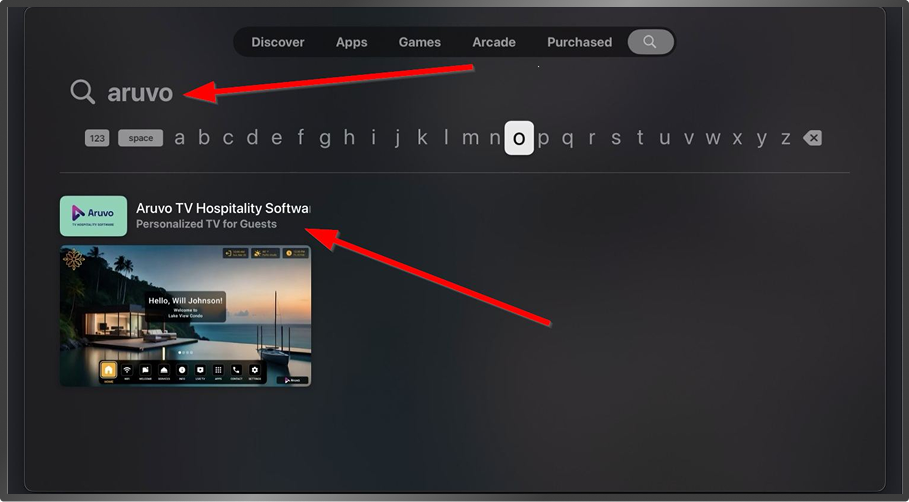
3- Use the Search tab
Search for “Aruvo TV Hospitality Software”.
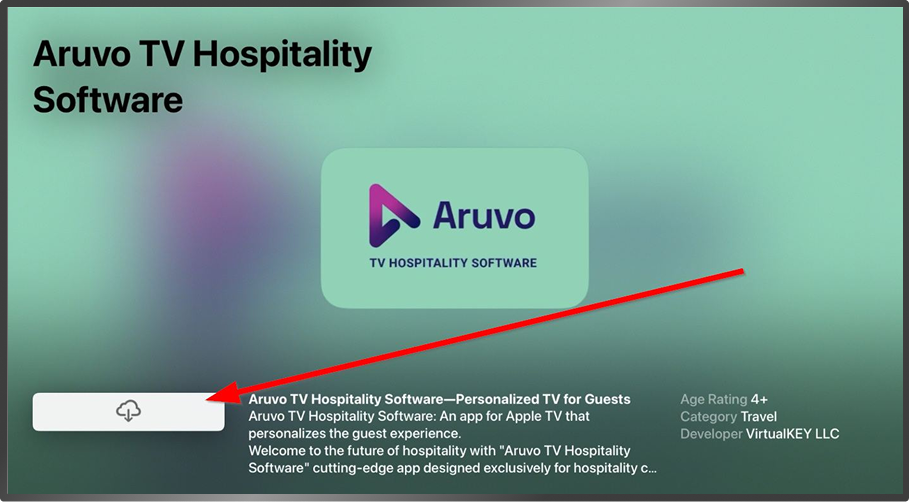
4- Install app
Select the AruvoTV app from results, then click Get / Install.
5- Launch the AruvoTV app
Once installed, launch the AruvoTV app. Accept the permissions or prompts (if any).
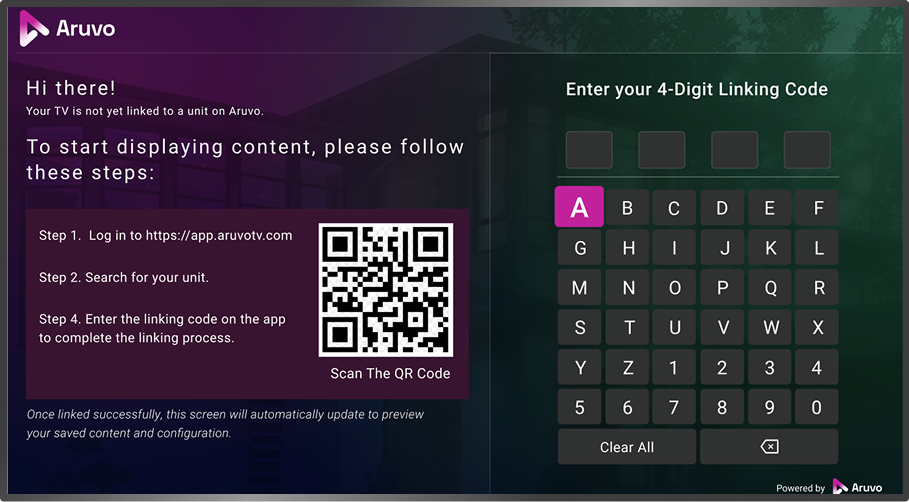
6- Link the app
Link the app with your property using the linking code (if required) via your Aruvo dashboard.
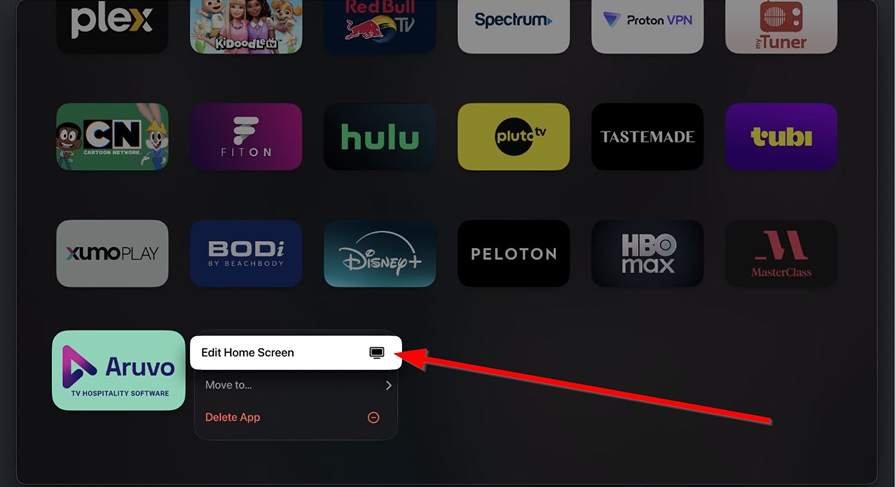
7- Move the app
7- Optionally move the app to a convenient spot on your Apple TV home screen so guests can find it easily.
The Aruvo Promise

Runs smoothly on Apple TV hardware

Ideal for premium stays & boutique resorts

Stylish, branded experiences guests love
Clients Review

Future-Ready Hospitality Starts Here
With Aruvo, you don’t just integrate your PMS, you elevate every guest interaction. Our platform ensures your brand shines on every TV, while saving time and boosting guest satisfaction.