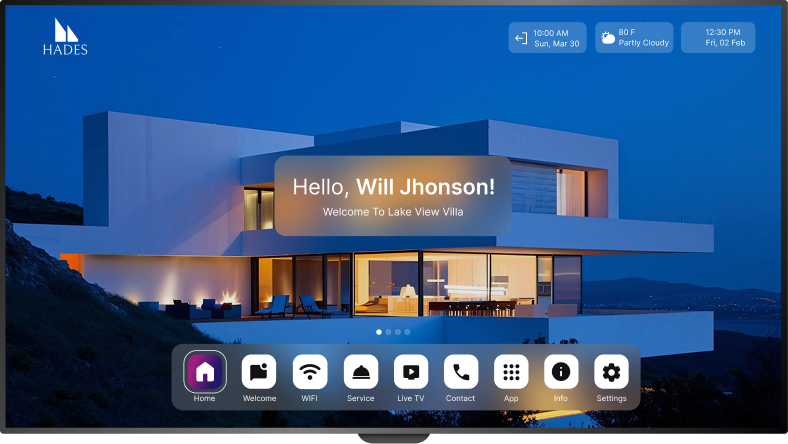
Aruvo on Google TV
Seamless hospitality experience, starting the moment the TV turns on
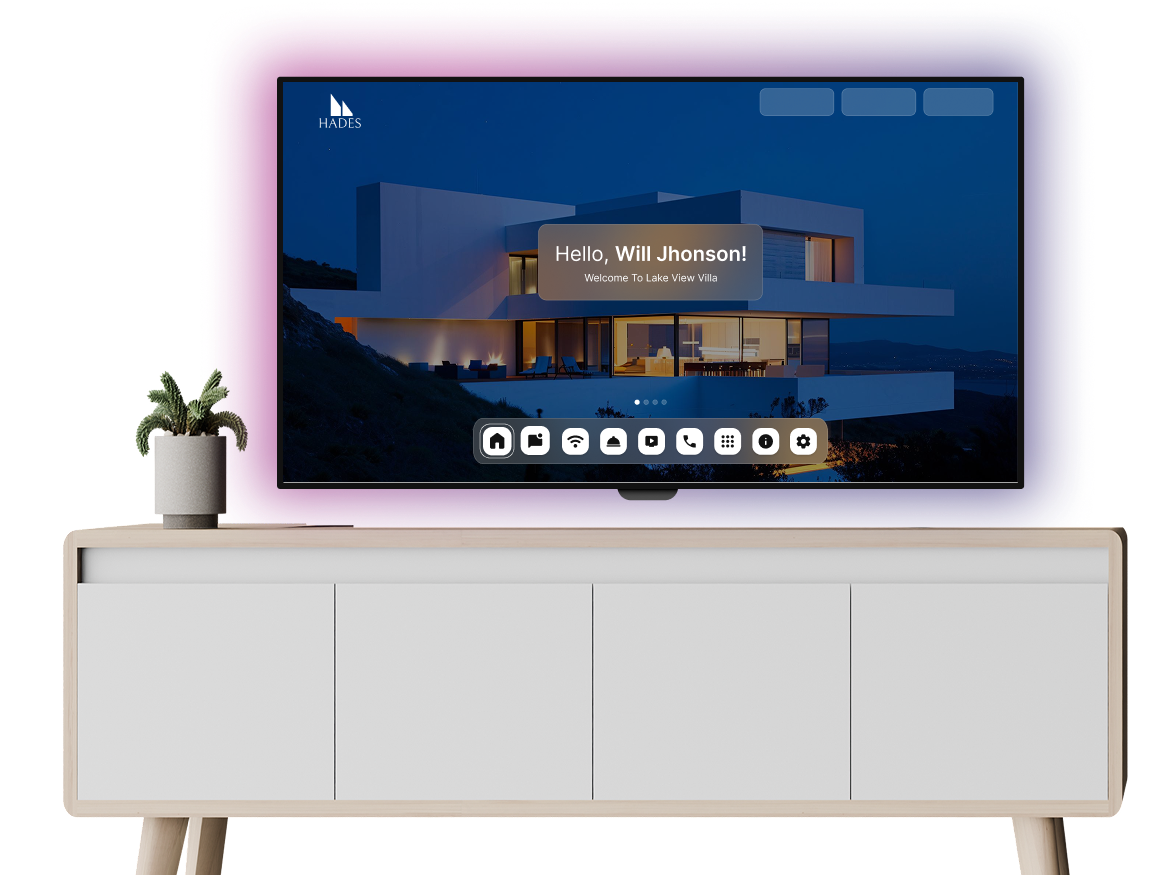
Get Started on Google TV
Follow these simple steps to bring AruvoTV to life on your device.
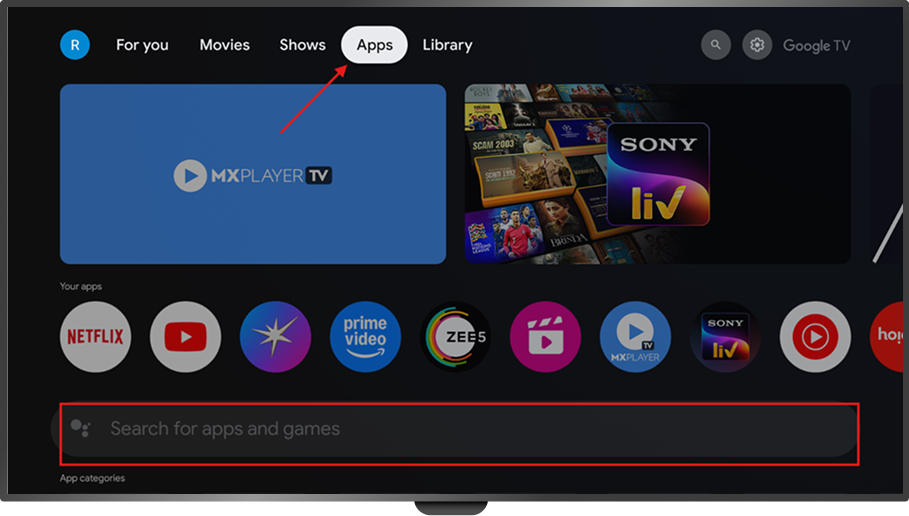
1- Open Google TV Home
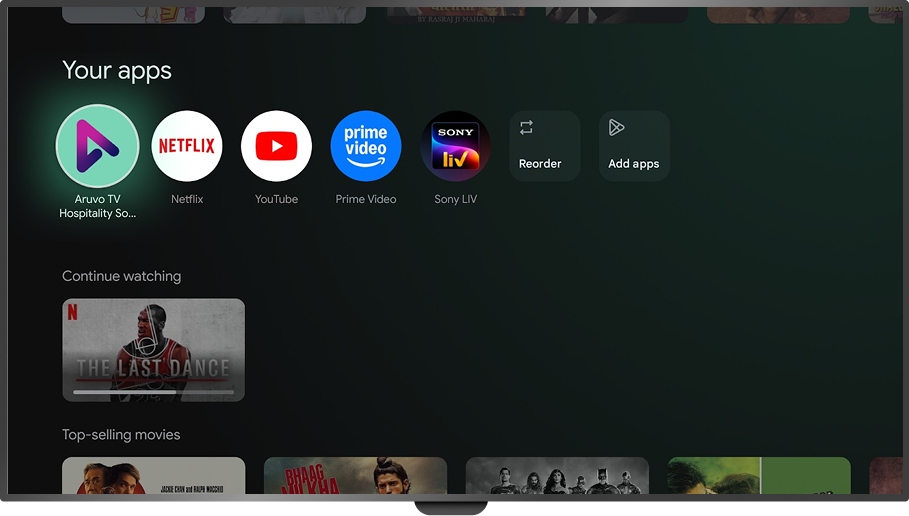
Press Home on your remote and go to Search / Apps.
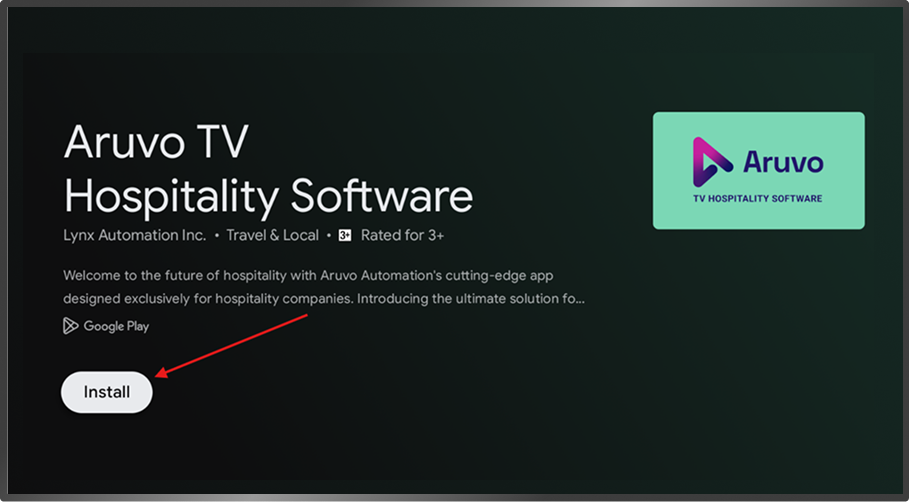
2- Find AruvoTV
Search for “Aruvo TV Software” and click Install.
3- Launch the App
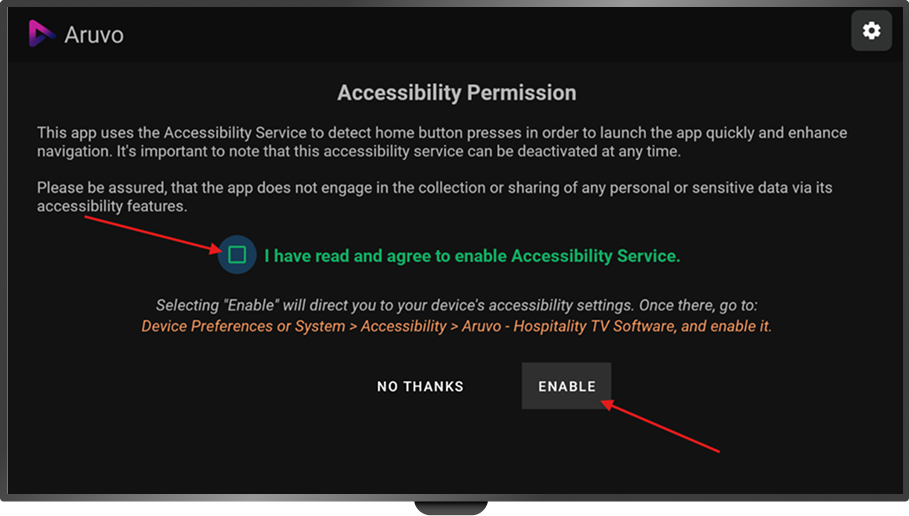
Open AruvoTV, accept permissions, and enable accessibility.
4- Move to Front (Optional)
Pin AruvoTV to the front of your apps for easy guest access.
5- Link Your Property
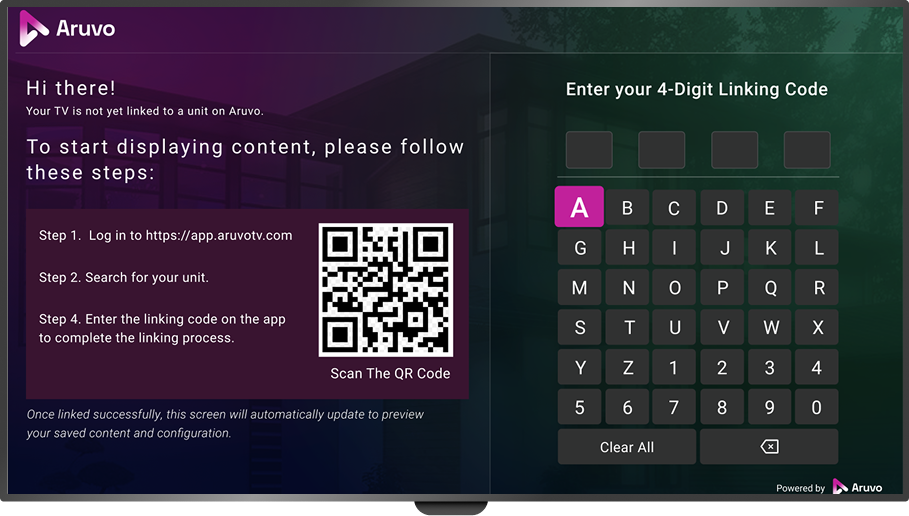
Use the on-screen Linking Code to connect the TV to your property dashboard.
The Aruvo Promise

Works instantly with Google TV-enabled TVs

Smooth integration with Chromecast

Personalized content & branding at scale
Clients Review

Future-Ready Hospitality Starts Here
With Aruvo, you don’t just integrate your PMS, you elevate every guest interaction. Our platform ensures your brand shines on every TV, while saving time and boosting guest satisfaction.