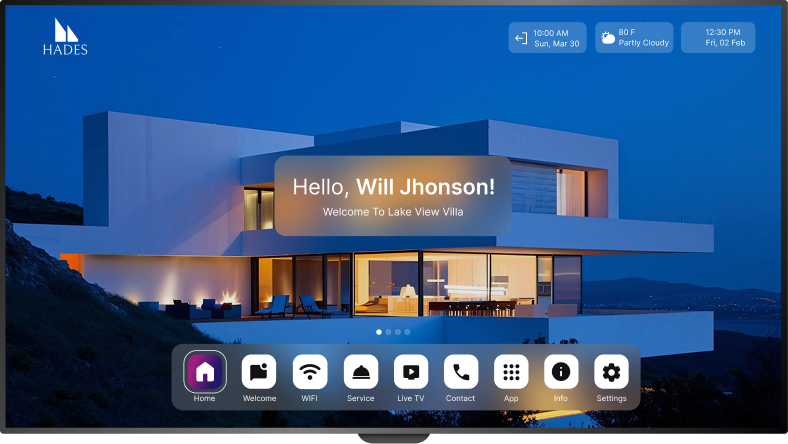
Aruvo on Roku TV
Fast, reliable setup for Roku TVs & Streaming Players.
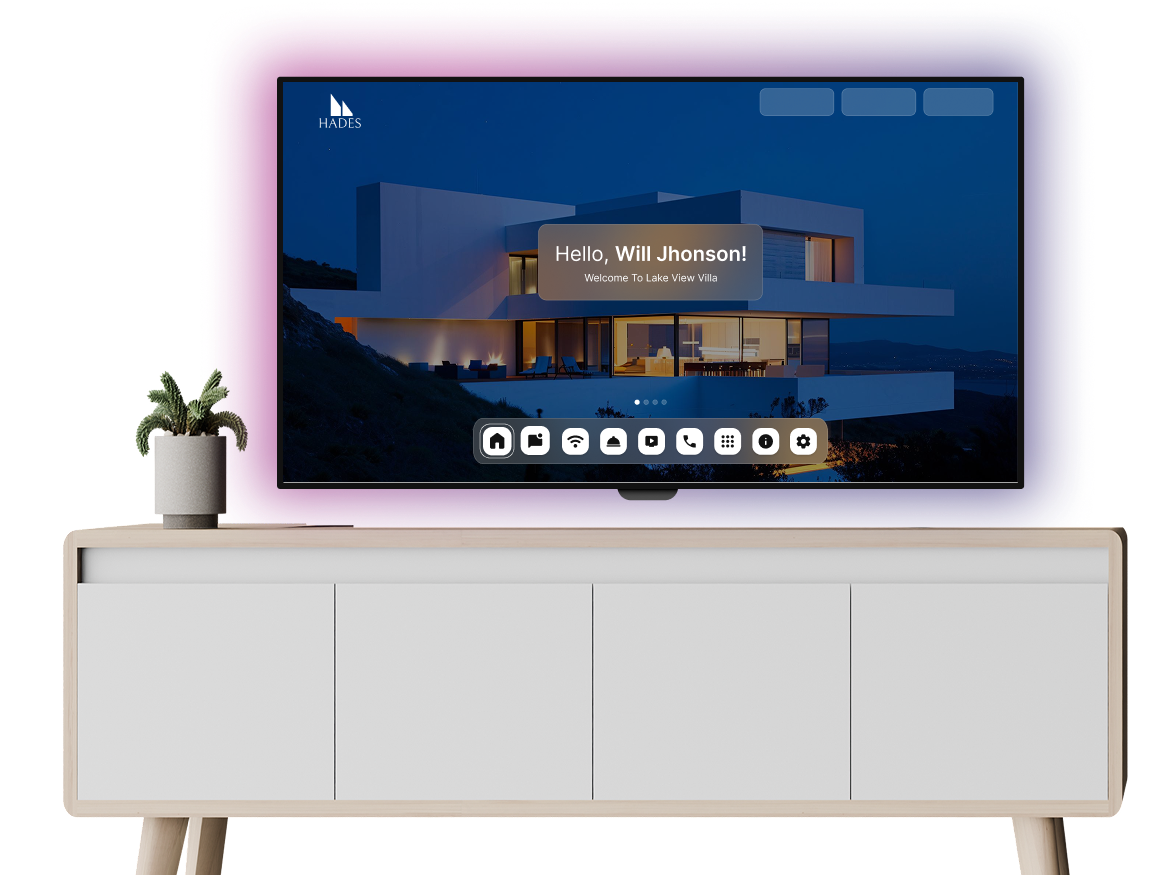
Get Started on Roku TV
Follow these simple steps to bring AruvoTV to life on your device.
1- Prepare Your Roku
Make sure you have a Roku TV or Streaming Player, and that Guest Mode is disabled.
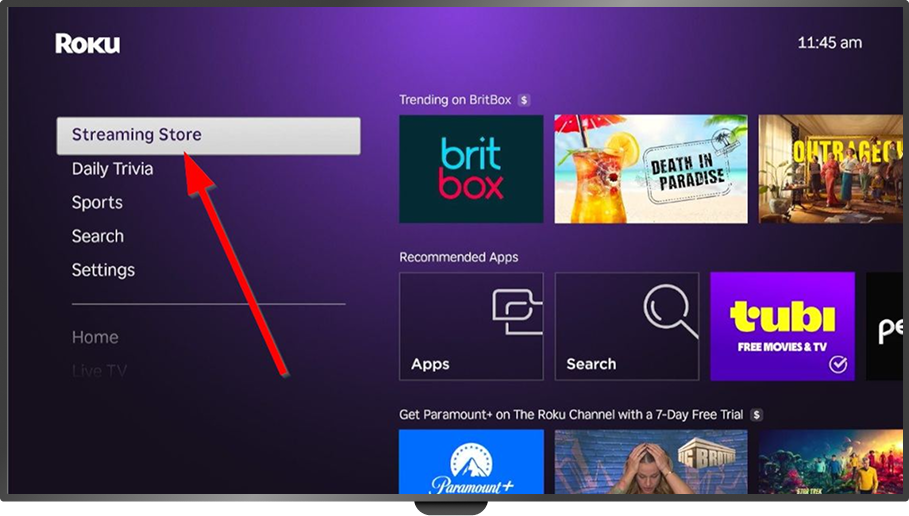
2- Open the Streaming Store
From the Roku home screen, go to the Streaming Store, then select Search.
3- Search & Install “Aruvo”
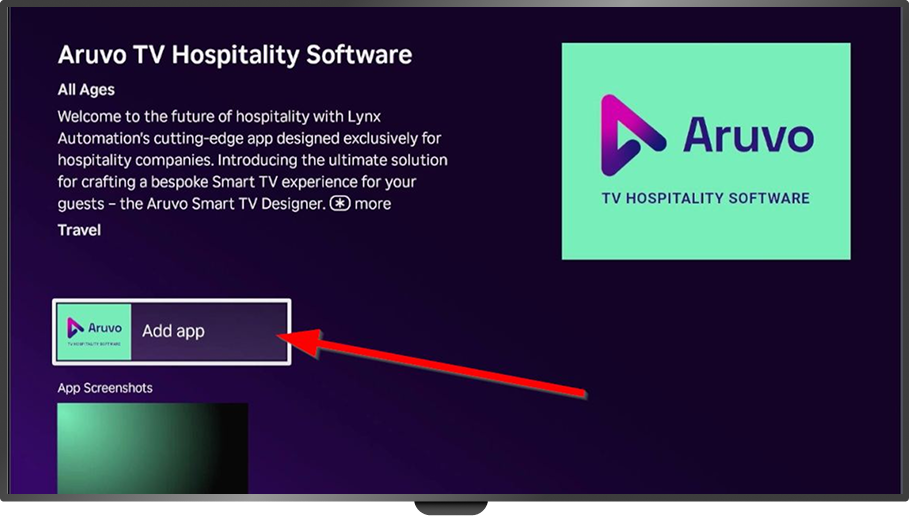
Type “Aruvo” in Search → select the Aruvo app → click “Add App” → wait for install.
4- Move Aruvo for Easy Access (Optional)
Press the “” (Options) button on the remote, choose Move app, then place Aruvo near the front of your apps list.
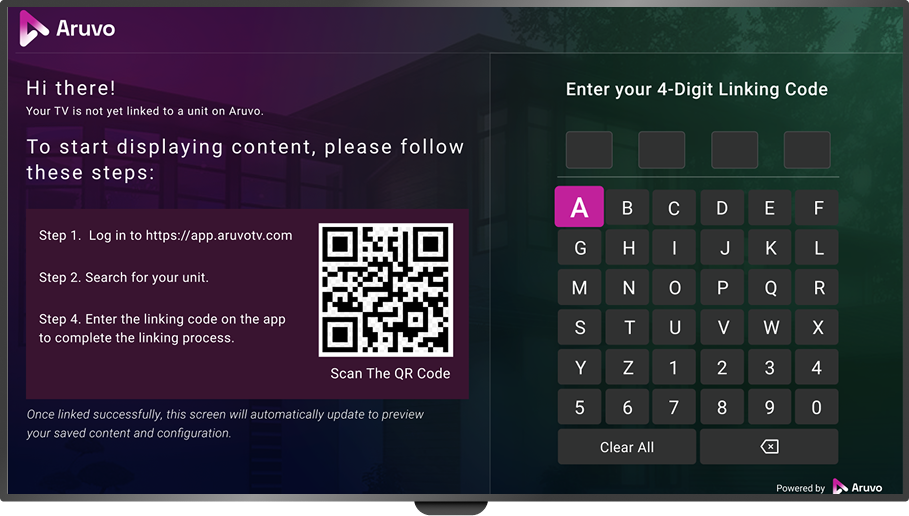
5- Link Your Property
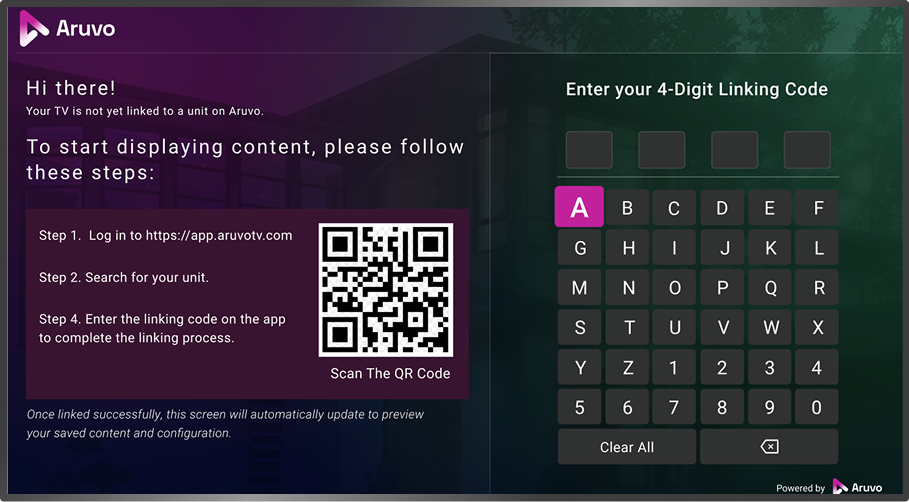
Open the Aruvo app. The first property usually links automatically. For additional properties, enter a Linking Code when prompted.
The Aruvo Promise

Available on affordable Roku TVs

Easy for guests to navigate

Hosts can manage branding & content remotely
Clients Review

Future-Ready Hospitality Starts Here
With Aruvo, you don’t just integrate your PMS, you elevate every guest interaction. Our platform ensures your brand shines on every TV, while saving time and boosting guest satisfaction.